
Update your profile
Keep the Staff details on your profile up to date.
Updated 12 September 2026
Edit your details
- Select Settings in the sidebar and open Profile.
- Select Edit Profile.
- Update the fields you need, then select Save Profile.
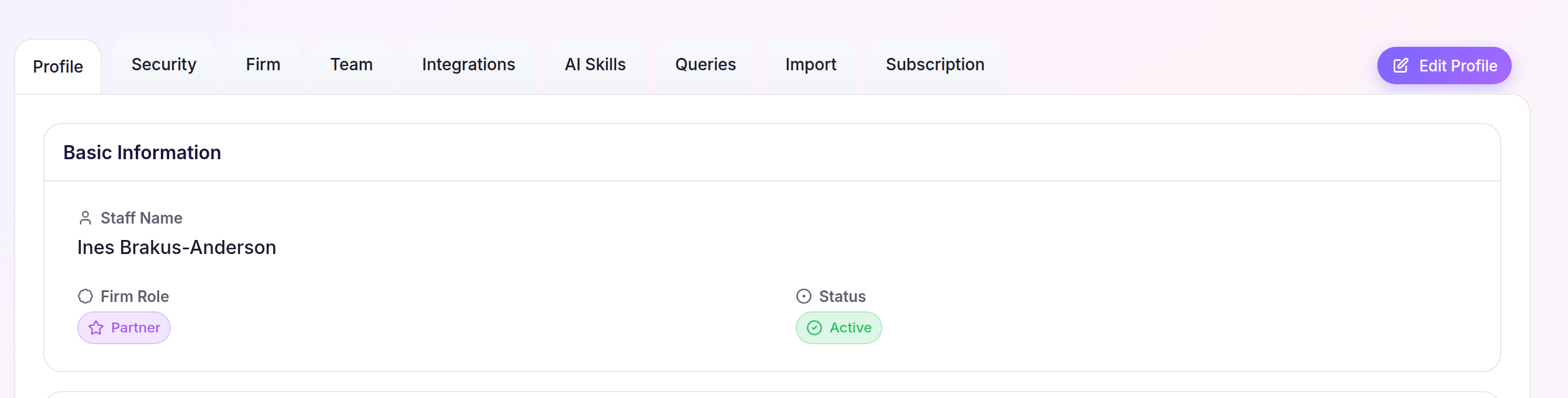
Your saved details replace the previous values on your Staff profile.