
Manage your subscription and seats
Check billing setup, choose a plan and purchase seats for your Firm.
Updated 11 September 2026
Open Subscription settingsBefore you start: You need permission to manage the subscription, normally as the Owner or Subscription Admin.
Check billing setup
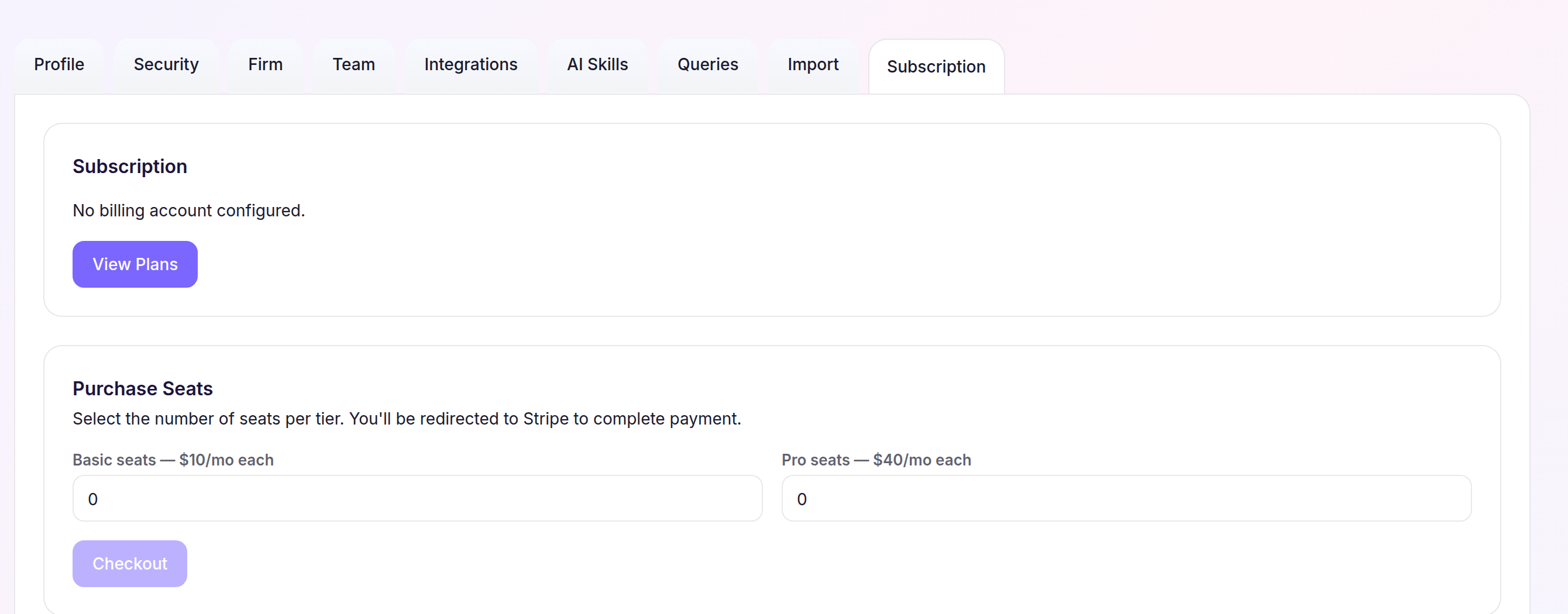
- Select Settings, then open Subscription.
- Review Subscription for the Firm’s billing status.
- Continue with the action shown for that status: View Plans, Upgrade Plan, or Select a Plan. If Manage Subscription is available instead, use it to update billing details in the external billing portal.
Add seats
- Under Add Seats or Purchase Seats, enter a quantity in Basic seats — $10/mo each, Pro seats — $40/mo each, or both.
- Review the estimated monthly total, then select Checkout.
- Complete payment in Stripe and return to Cheku.
Cheku shows that the subscription is being activated and reloads the page shortly. After activation completes, Seat Usage shows the purchased pools available for Staff assignment.