
Change your password or authenticator app
Reset your password or manage two-step verification for your account.
Updated 11 September 2026
Change your password
- Select Settings in the sidebar, then open Security.
- Under Change password, select Email me a reset link.
- Open the email within 15 minutes and follow its link to choose a password.
Completing the reset signs you out of every session.
Manage an authenticator app
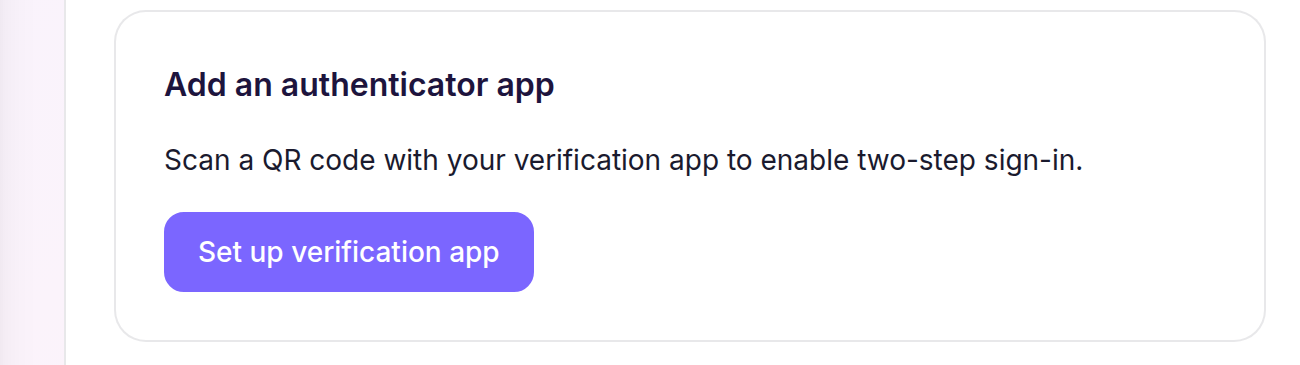
- Under Authenticator apps, select Set up verification app.
- Scan the QR code with your verification app, enter the generated code in Verification code, then select Verify and continue.
- To remove an enrolled app, select Remove beside it.
Cheku prevents removal when it would leave the account without the verification required by its security policy.