
Update your Client portal profile
Keep your name, phone numbers and position up to date in the Client portal.
Updated 12 September 2026
Open Client portal settingsBefore you start: You need active Client portal access to an organisation.
Save your details
- Select Settings, then open Profile.
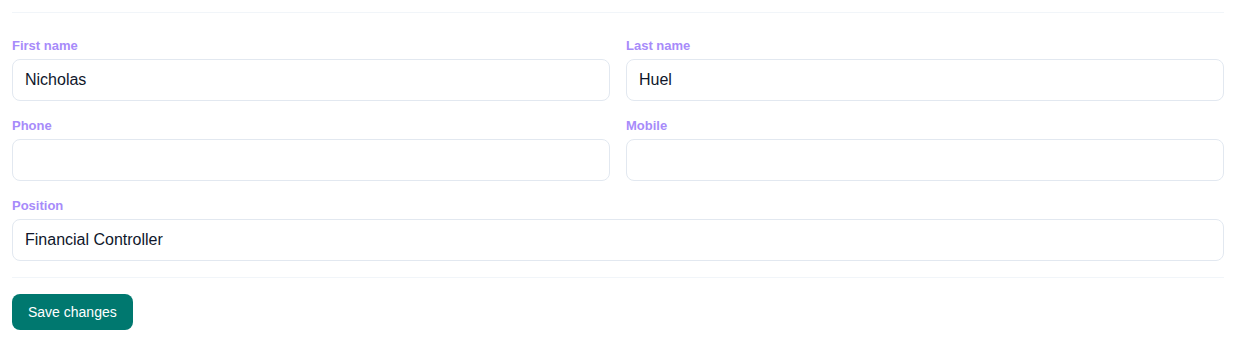
- Update First name, Last name, Phone, Mobile, or Position. Your email address is read-only.
- Select Save changes.
What happens next
Cheku shows Profile updated and refreshes your name in the Client portal header.