
Create a Query in the Client portal
Send a new Query to your accountant from the Client portal.
Updated 12 September 2026
Create a QueryBefore you start: You need active Client portal access to the organisation the Query concerns.
Send the Query
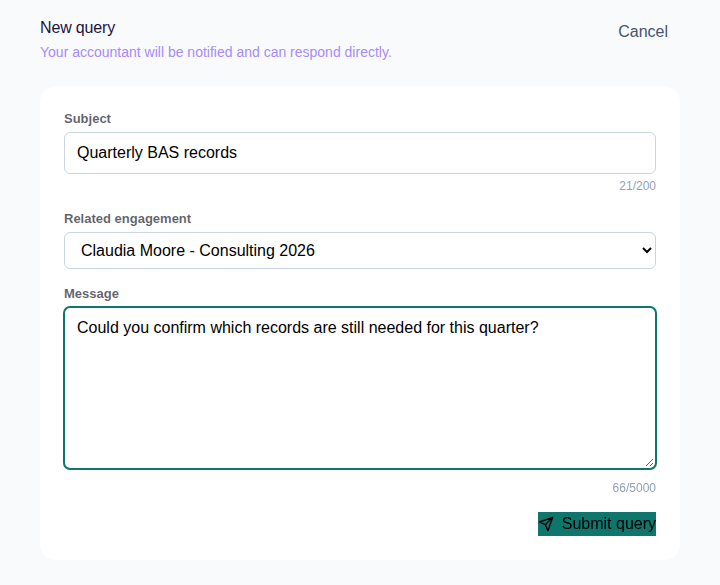
- Select Queries, then New query.
- Enter a Subject and Message.
- Choose a Related engagement when the Query concerns a listed Engagement.
- Select Submit query.
What happens next
Cheku opens the new Query in Queries and notifies your accountant.