
Get around the Client portal
Use Client portal Home and navigation to find Queries and account settings.
Updated 12 September 2026
Open Client portalBefore you start: You need an active Client portal invitation and must sign in with the invited email address.
Start from Home
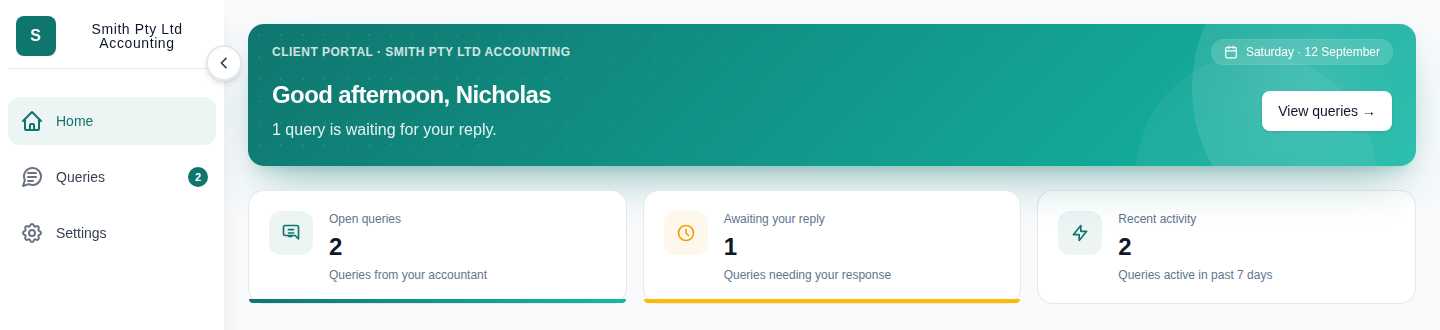
- Select Home to see open Queries, Queries awaiting your reply and recent activity.
- Select View queries or a Query summary card to open the Query list.
Use the navigation
- Select Queries to search, filter, create or reply to Queries.
- Select Settings to switch organisations or update your profile.
- Use the arrow beside the navigation to show or hide its labels.