
Reply to and resolve a Client portal Query
Reply to your accountant, mark a Query resolved, or re-open it.
Updated 12 September 2026
Open QueriesBefore you start: You need active Client portal access to the organisation that owns the Query.
Reply to a Query
- Select Queries and open the Query.
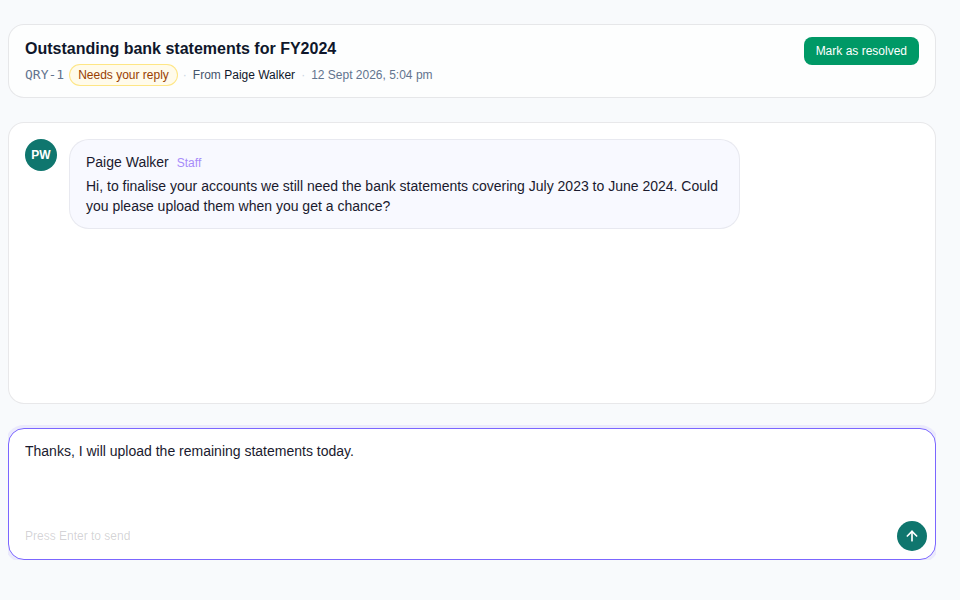
- Review the message history, then enter your reply in the composer.
- Select Send message.
Resolve or re-open the Query
- Select Mark as resolved when no further response is needed.
- Open the resolved Query and select Re-open when the discussion needs to continue.
What happens next
A reply updates the conversation for the Firm. Resolved Queries move under Resolved; re-opened Queries return to the active list.