
Create or upload a reusable template
Add an existing template file or create the record for a Cheku template.
Updated 12 September 2026
Open TemplatesBefore you start: You need permission to manage templates to create a Cheku template. Uploading an ordinary template file does not require that permission.
Add a template
- Open Documents, then Templates.
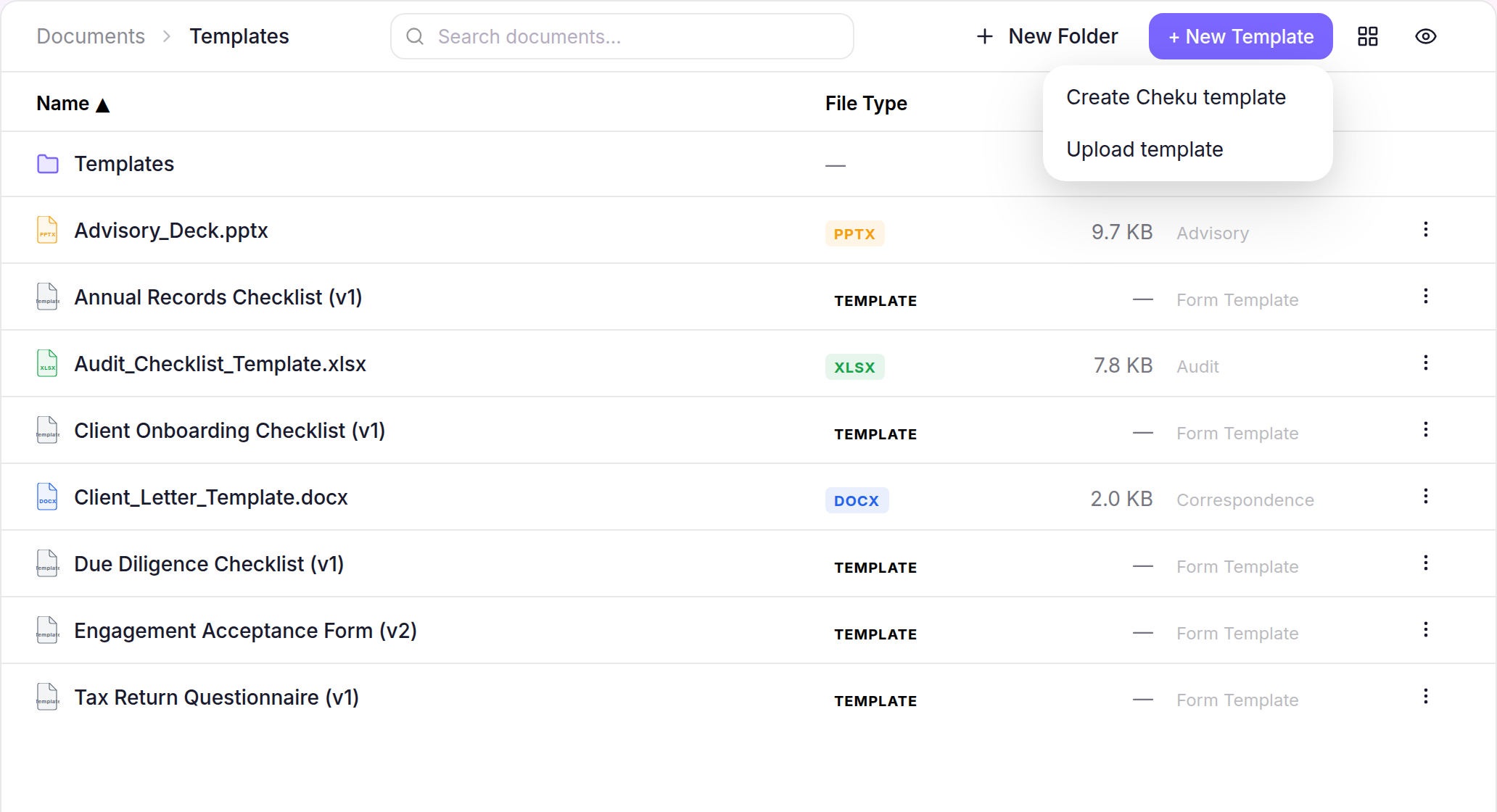
- To add an existing file, select Upload. If you can manage templates, select + New Template, then Upload template, instead.
- To build a new form, select + New Template, choose Create Cheku template, enter a template label, then select Create.
What happens next
The Templates library shows the uploaded file or new Cheku template record. Open the Builder when you are ready to add fields and publish the Custom Form.