
Choose the right document library
Open the document library that matches the files you need.
Updated 11 September 2026
Choose a library
- Select Documents in the sidebar.
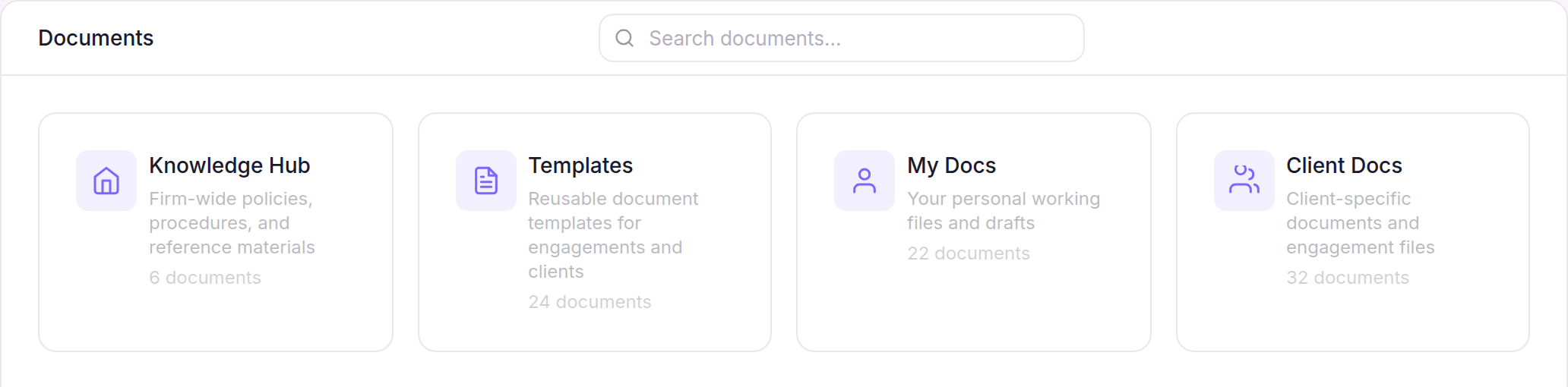
- Open the library that matches your work:
- Knowledge Hub for firm-wide policies, procedures and reference material.
- Templates for reusable Client and Engagement templates.
- My Docs for your personal working files and drafts.
- Client Docs for Client and Engagement files.
Find your way around
- In Knowledge Hub, Templates, My Docs, or an open Client workspace, use Search documents… to find a file.
- Use the view control to switch between the list and grid, and the preview control to show or hide the selected file’s preview.
- On the Client Docs landing page, use Search clients… to find a Client, then open their workspace.
The breadcrumb at the top shows your location and lets you return to any parent library or folder.