
Upload and organise documents
Upload personal documents and organise them into folders.
Updated 11 September 2026
Add files and folders
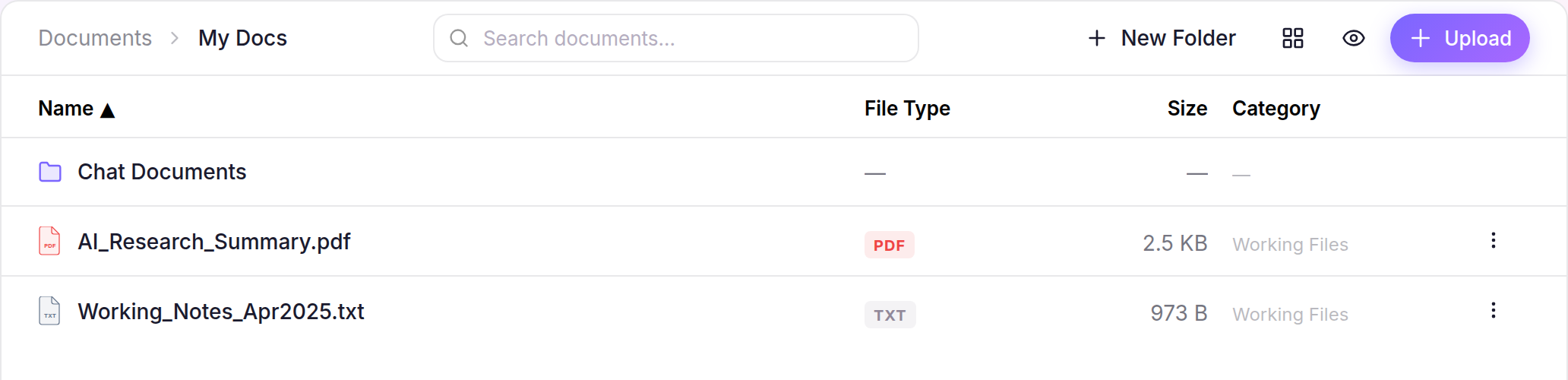
- Open Documents, then My Docs.
- Select Upload and choose one or more files. Each file can be up to 50 MB.
- Select New Folder, enter a name, then select Create.
Organise existing items
- Select the checkbox beside each file or folder you want to organise.
- Select Move, Move All, Copy or Copy All from the selection bar.
- Choose a destination, then confirm Move or Copy.
The items appear in the chosen destination. For selected files, use Download or Download All from the same selection bar when you need a local copy.