
Work with Client and Engagement documents
Find a Client workspace and keep Client and Engagement files together.
Updated 11 September 2026
Open a Client workspace
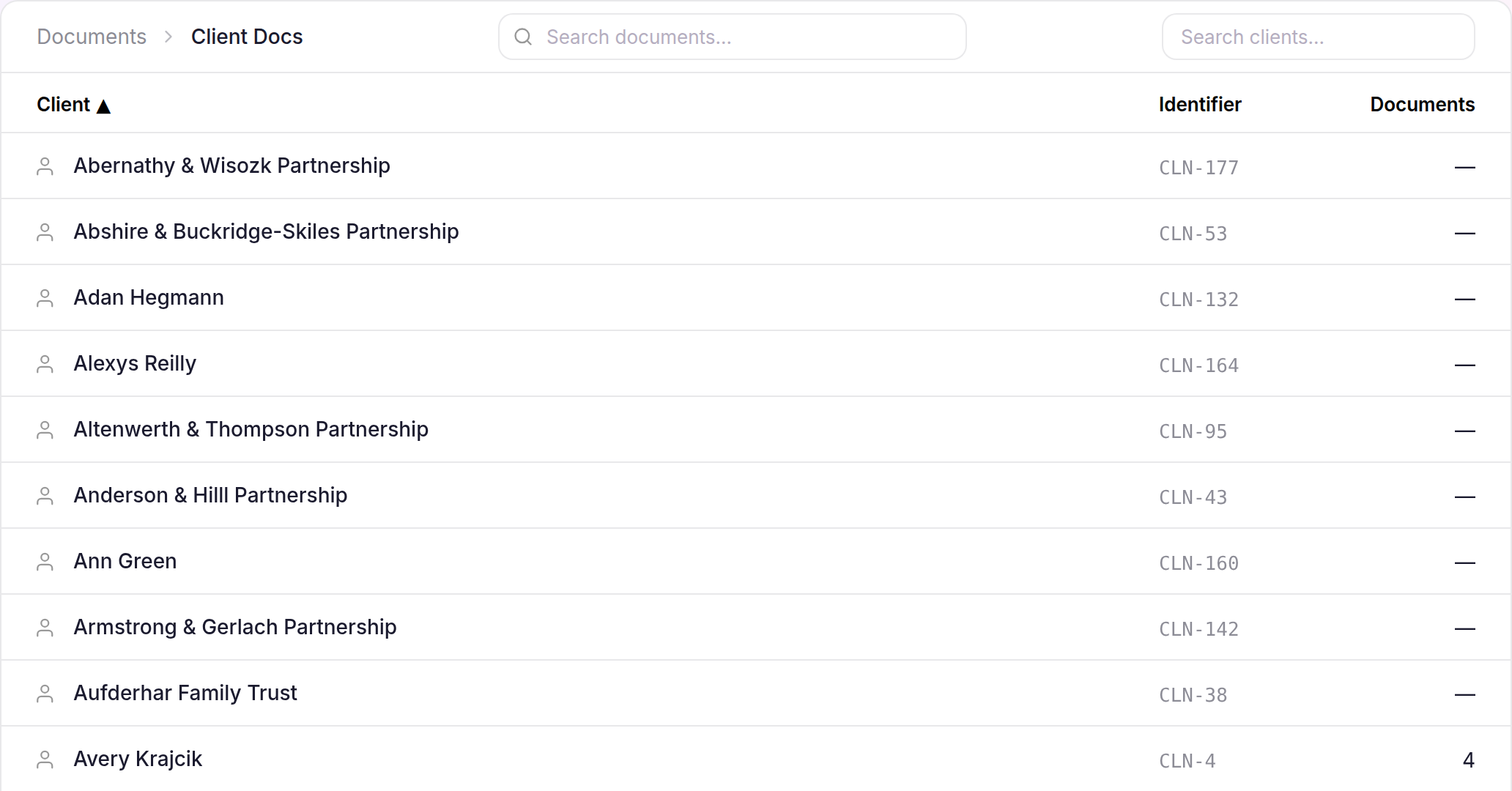
- Select Documents, then Client Docs.
- Use Search clients… when needed, then select the Client.
- Open an Engagement folder to work with files for that Engagement, or stay at the Client level for files shared across their work.
Add and find files
- Select Upload to add files at the open Client or Engagement level.
- Select New Folder when you need another layer of organisation.
- Use Search documents… or the breadcrumb to move around the workspace.
Files remain in the level where you added them, so the Client workspace keeps shared files separate from Engagement-specific work.