
Invite a Contact to the Client portal
Give a Client Contact secure access to the Client portal.
Updated 12 September 2026
Open ClientsBefore you start: You need permission to invite portal Contacts, Client portal access for your firm, and an email address on the Contact.
Open the invitation
- Open the Client from Clients.
- Find the Contact in the Contacts panel.
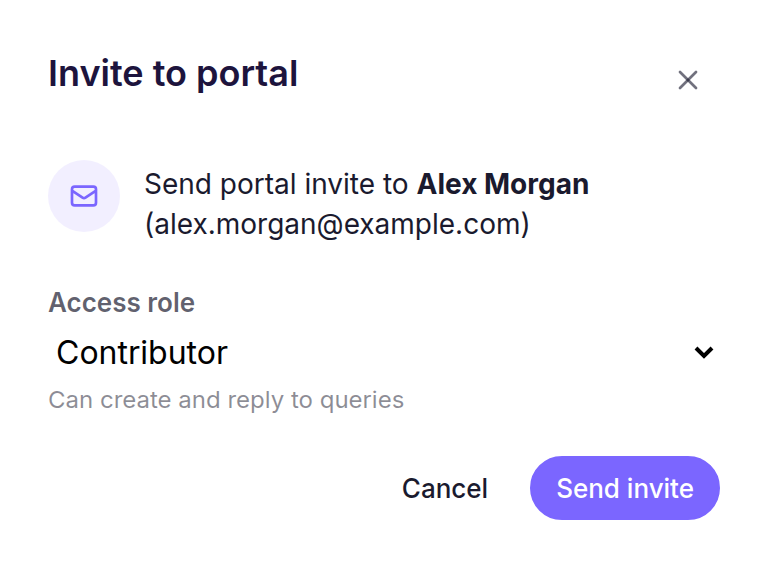
- Open the Contact’s action menu, then select Invite to portal.
Choose their access
- Choose an Access role: Viewer, Contributor, or Admin.
- Select Send invite.
What happens next
Cheku shows the result of the request. A new portal user receives an email with account-setup instructions. If the email already belongs to a portal user, Cheku adds or reopens their Client access instead; repeating the same request leaves the existing access unchanged.