
Add and organise notes
Keep searchable, structured notes beside a Client, Contact, or Engagement.
Updated 11 September 2026
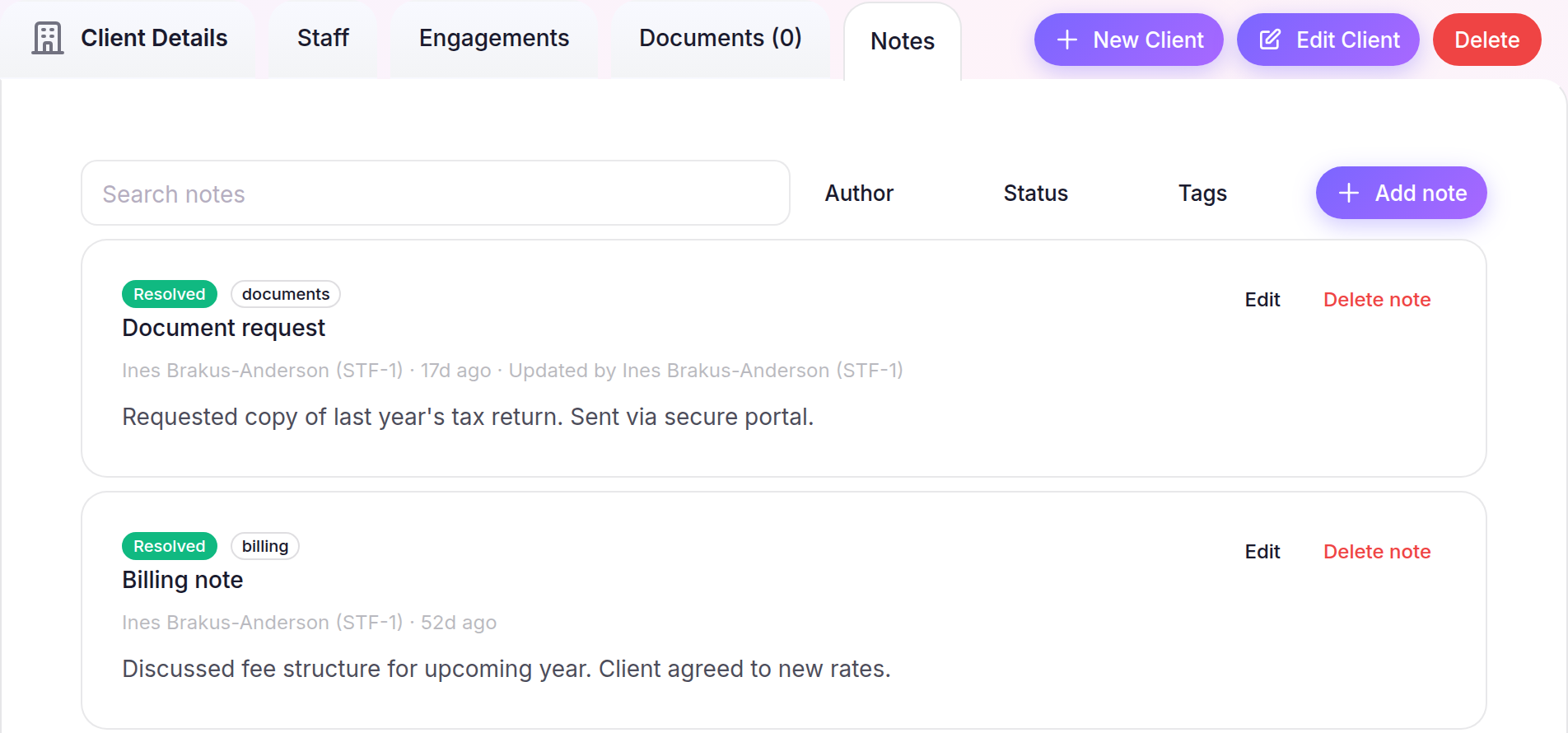
Add a note
- Open a Client, Contact, or Engagement, then select Notes.
- Select Add note and enter a Title and Notes.
- Choose the Visibility and Status, add any Tags, then select Add note. Turn on Pin this note when it should stay at the top.
Find and maintain notes
- Use Search notes, Author, Status, or Tags to narrow the list.
- Select Edit on a note you created, make the changes, then select Save note.
Managing a note created by another Staff member requires permission to manage Standard Staff.
What happens next
Firm notes are available to Staff who can view the record. Notes set to Private (only you) remain visible only to you and Staff with permission to manage Standard Staff.