
Create and update a Client
Create a Client record and keep its details up to date.
Updated 11 September 2026
Create a Client
- Select Clients in the sidebar.
- Select New Client.
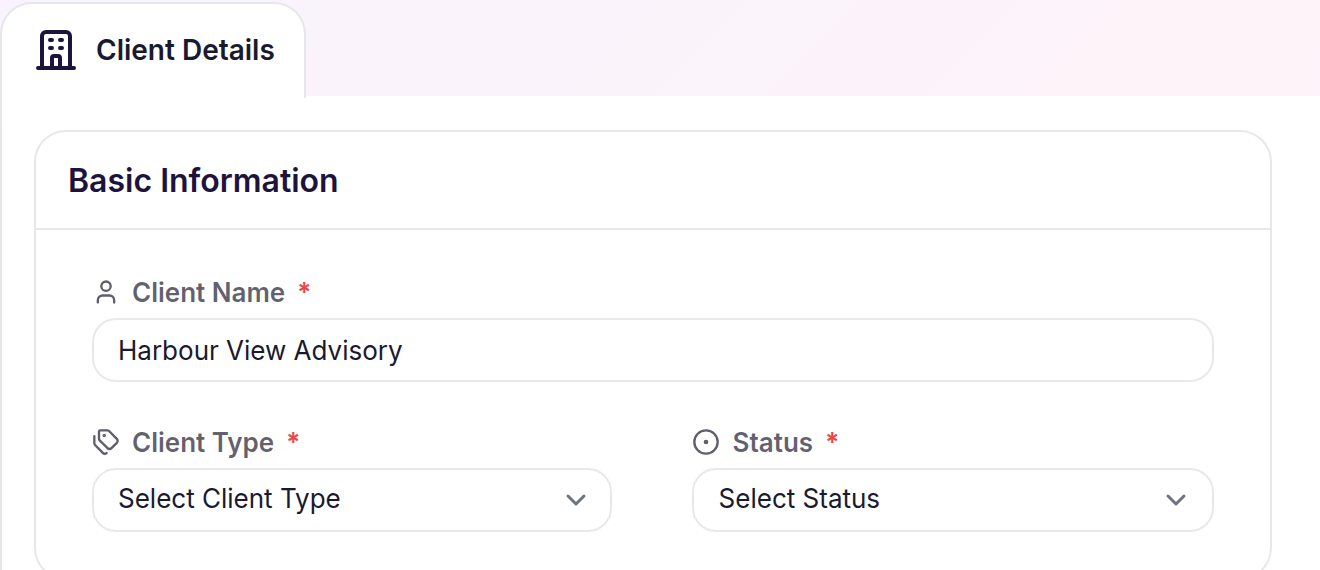
- Complete the required fields, then select Save Client.
Update Client details
- Open the Client from the Clients list.
- Select Edit Client.
- Change the details, then select Save Client.
What happens next
Cheku opens the saved Client Details and makes the Client available for Contacts, Staff, Engagements, Documents, and Notes.