
Add Contacts and Staff to a Client
Connect the people who work with and for a Client.
Updated 11 September 2026
Add a Contact
- Open the Client from Clients.
- Select the add icon beside Contacts.
- Use Link to find an existing Contact, or choose Create New and select Create after entering their details.
Assign Staff
- Open the Staff tab on the Client.
- Select the add icon beside Assigned Staff.
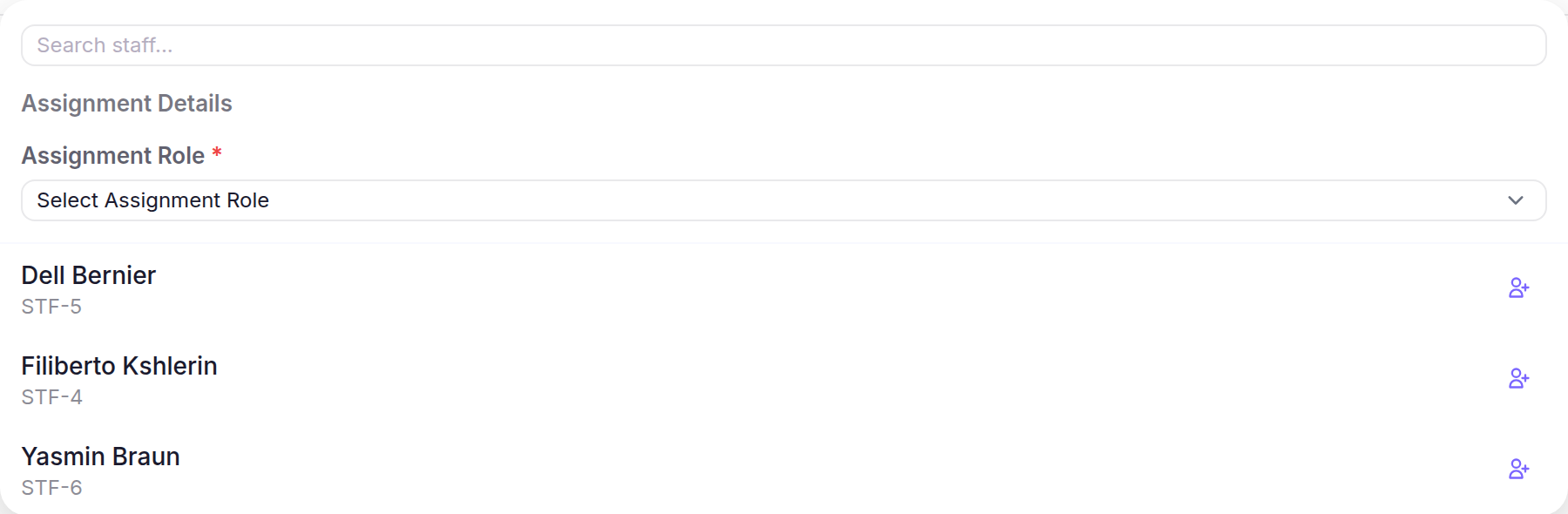
- Choose an Assignment Role, find the Staff member, then select the link icon beside their name.
What happens next
The Contact appears in the Client’s Contacts panel and the Staff member appears under Assigned Staff.