
Set up an Engagement team and Tasks
Connect the right Contact and Staff, then add the Engagement's Tasks.
Updated 11 September 2026
Open EngagementsBefore you start: Open an existing Engagement. Changing Assigned Staff requires permission to manage Staff–Engagement assignments.
Build the Engagement team
- Open an Engagement from Engagements.
- Select the add icon beside Primary Contact, find the Contact, then select the link icon beside their name.
- Select the add icon beside Assigned Staff, choose an Assignment Role, find the Staff member, then select the link icon beside their name.
Add Tasks
- Open the Tasks tab.
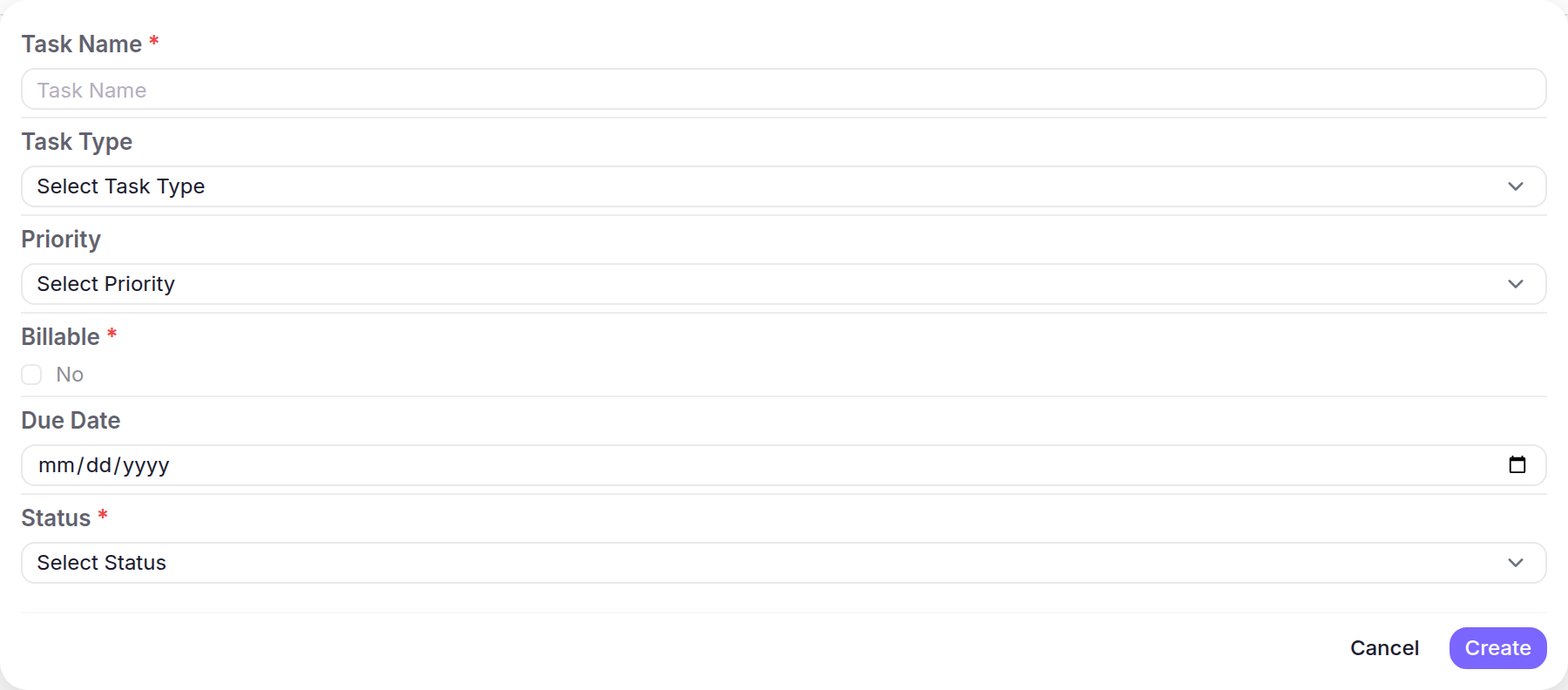
- Select the add icon beside Tasks and complete the required fields.
- Select Create.
What happens next
The Engagement shows its Primary Contact and Assigned Staff with the new Task under Tasks.