
Record time manually or with a timer
Add time to the right Billing Code manually or track it with a timer.
Updated 11 September 2026
Add time manually
- Select Timesheets in the sidebar and stay on My Timesheets.
- Select Add entry…, then choose an Engagement or internal Billing Code.
- Select the day cell, enter the Hrs and Notes (optional), then select Add.
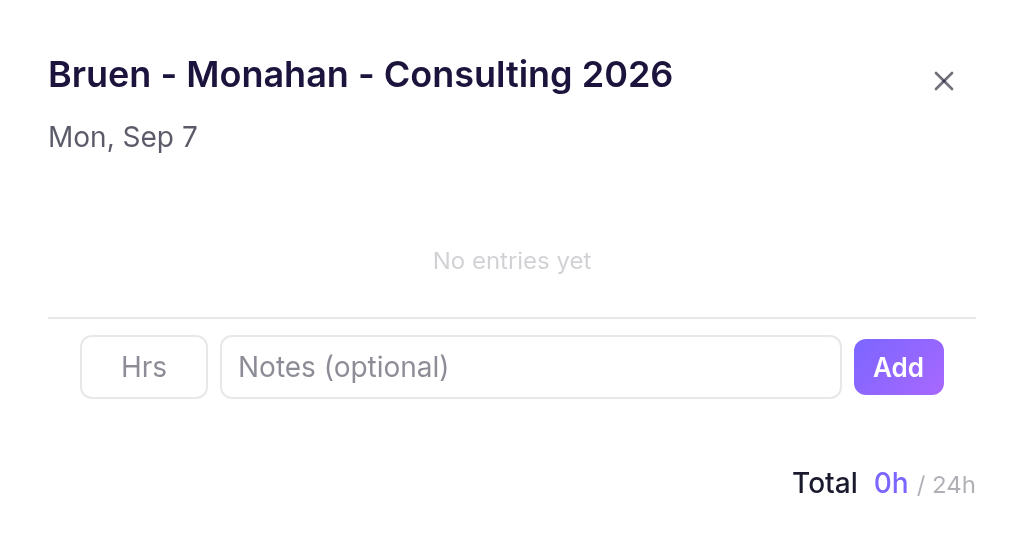
The entry appears in the week as a Draft and can be edited until the week is submitted.
Track time with a timer
- Open the timer panel, select New Timer, then choose a Billing Code.
- Use Pause or Resume without losing the recorded time.
- Select Stop & save, add an optional note, then select Save.
Cheku adds the recorded duration to the current week under that Billing Code.