
View Staff work and update a profile
Review a Staff member's work and keep an authorised profile up to date.
Updated 11 September 2026
Open StaffBefore you start: You can update your own profile. Updating another Staff member’s profile requires permission to access firm settings.
View a Staff member’s work
- Select Staff in the sidebar and open a Staff member.
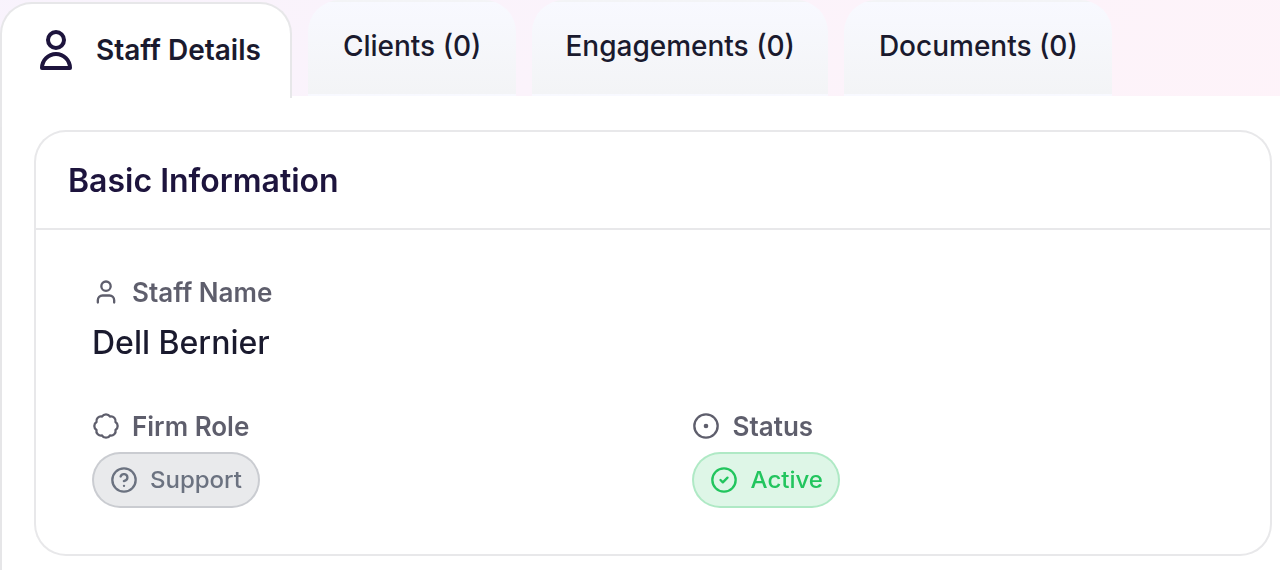
- Use Staff Details, Clients, and Engagements to review their profile and assigned work.
Update a profile
- Open the relevant Staff Details.
- Select Edit Staff and change the available fields.
- Select Save Staff.
What happens next
The saved information appears on Staff Details. Assigned work remains available under Clients and Engagements.