
Search and filter your records
Narrow a record list by name, status, type, date, or other available fields.
Updated 11 September 2026
Search a list
- Select a work area such as Clients or Engagements.
- Enter a name or reference in Search Clients… or Search Engagements….
- Open a matching record from the filtered list.
Add filters
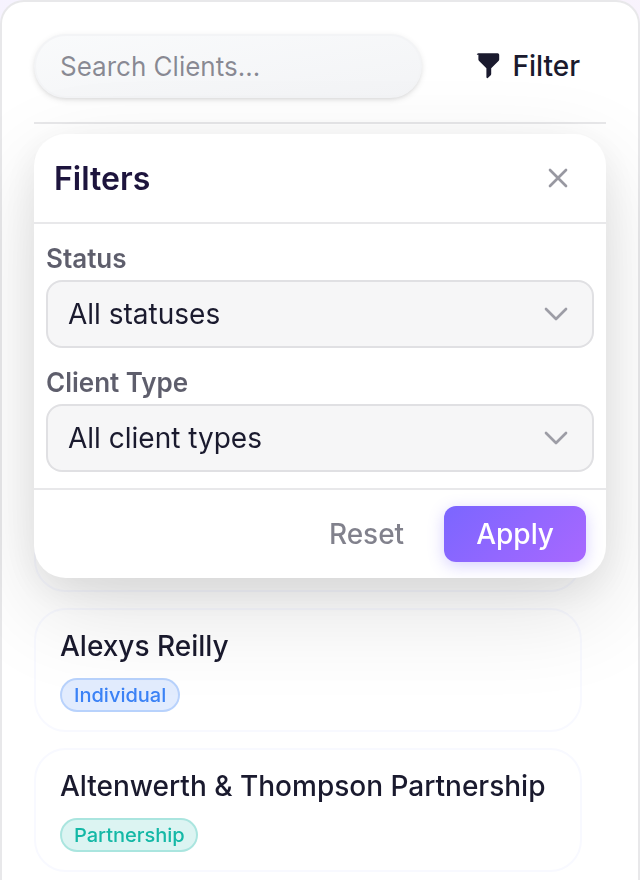
- Select Filter.
- Open a field such as Status or Client Type, then choose the values you need.
- Select Apply. Use Clear all above the list to remove the search and filters.
What happens next
The list reflects the active search and filters. Engagements also support Engagement Type, Financial Year, and Due Date filters.