
Continue, preview or discard a Draft
Choose what to do when a Custom Form already has an unsaved Draft.
Updated 12 September 2026
Before you start: You must be the Draft’s author or have permission to manage templates. Open the current submitted form and select Edit when it already has an unsaved Draft.
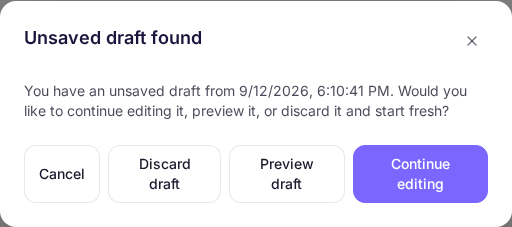
Choose the Draft outcome
- Select Continue editing to reopen the saved answers.
- Select Preview draft to inspect the Draft without changing it.
- Select Discard draft when the saved Draft is no longer needed and you want the next edit to start from the submitted form.
What happens next
Continuing or previewing keeps the Draft. Discarding removes only that Draft; the submitted form remains available.