
Reply to a Query or add an internal note
Send a Client-visible Query reply or leave a Staff-only note on the timeline.
Updated 12 September 2026
Open QueriesBefore you start: Queries must be included in your firm’s plan. Open an existing Query that already has at least one recipient.
Reply to the Client
- Select Queries in the sidebar and open the Query.
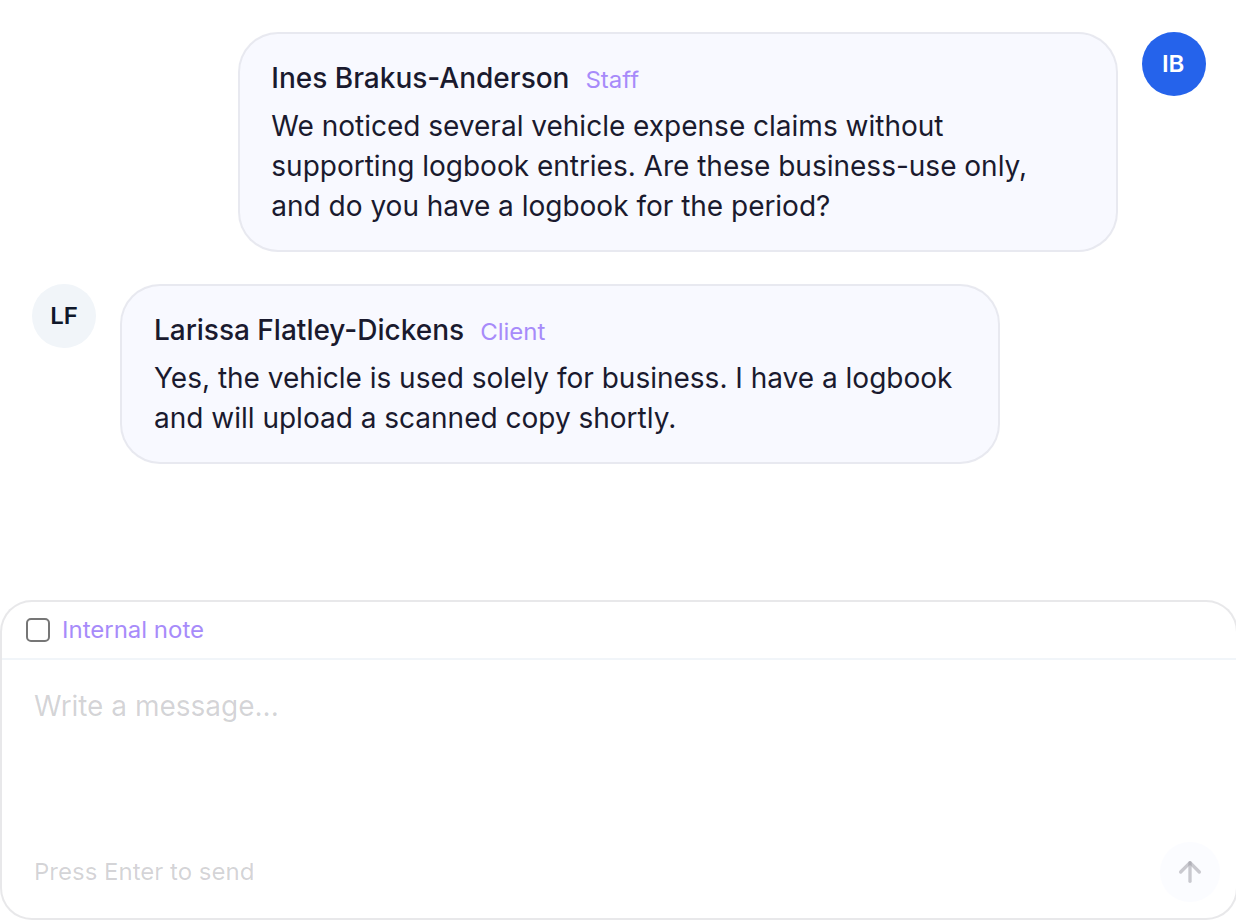
- Write the message in the composer, then press Enter to send.
- If the Query is still a Draft, review the Publish this query to the client portal? prompt and select Publish query.
Add an internal note
- Turn on Internal note. The composer confirms that it is Only visible to staff.
- Write the note, then press Enter to add it.
Both messages appear on the Query timeline, but internal notes have an Internal Note badge and are never shown to the Client.